
Skip to content
Back to Insights

How the desk works 6 MIN READ

What Shouldn't Travel by Email

A passport scan sent as an attachment is a copy you no longer control, in an inbox you cannot audit, on a server you have never seen.

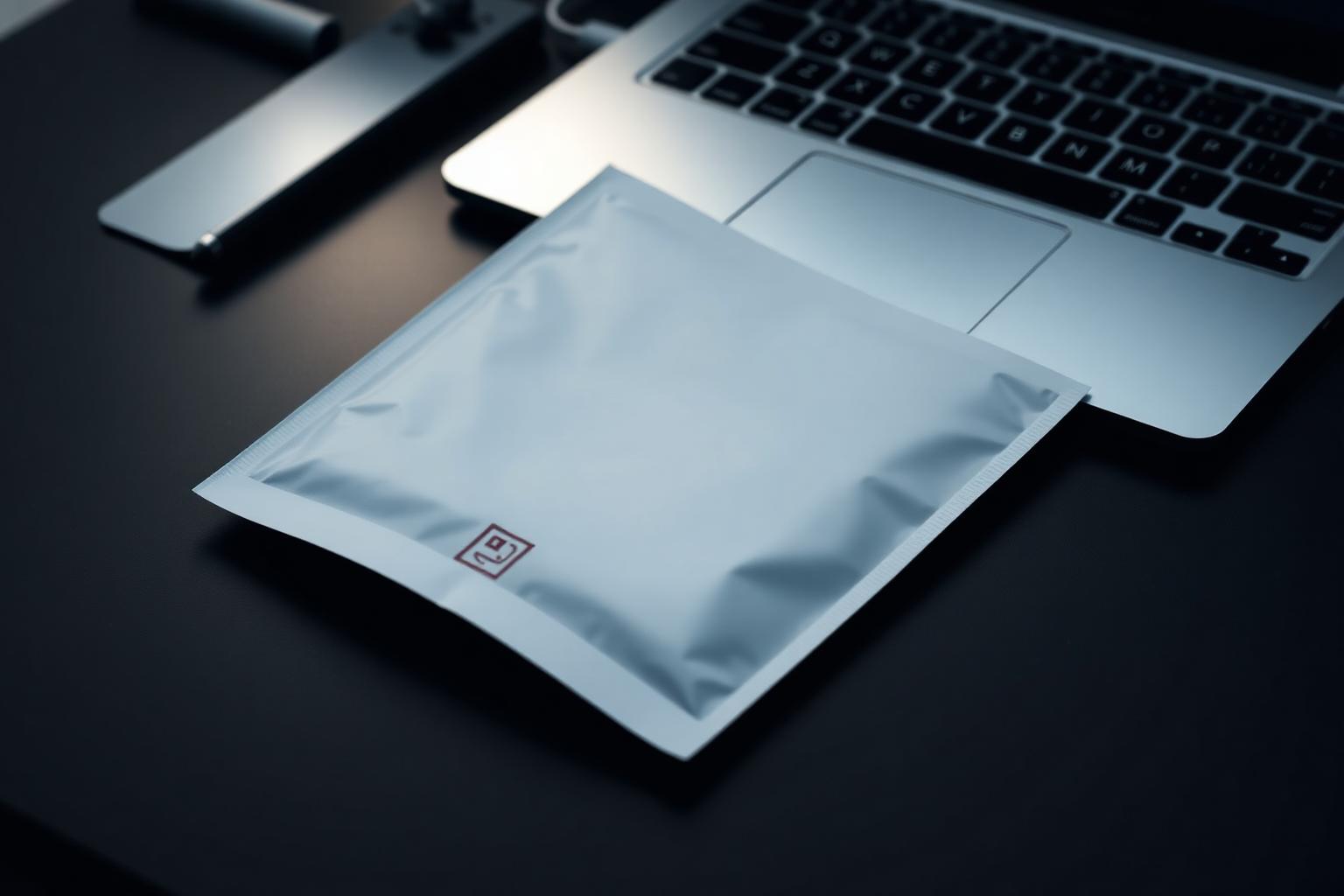
A sealed document pouch resting beside a closed laptop on a dark desk, one lamp lighting the seal.
50A sealed pouch beside a closed laptop - what does not travel as an attachment.

12,195

Confirmed data breaches analysed in the 2025 DBIR [1]

139countries

Covered by that dataset [1]

15% → 30%

Share of breaches involving a third party - doubled year on year [1]

20%

Share of breaches with vulnerability exploitation as the initial access step [1]

Ask any assistant what is in their sent folder and the honest answer is uncomfortable: passport scans, visa letters, home addresses, medical letters, full itineraries with dates, hotels and room numbers.

Each of those was sent once for a reason. Each of them is still there, and so is every copy on every recipient's side.

Verizon's 2025 Data Breach Investigations Report analysed 12,195 confirmed breaches across 139 countries. Third-party involvement in breaches doubled from 15% to 30% year on year, and exploitation of vulnerabilities as an initial access step grew by 34%, now accounting for 20% of breaches [1].

Read that third-party figure again in the context of a travel programme. A principal's itinerary passes through an agency, a car company, a hotel, a venue and an assistant's personal device. Every one of them is a third party, and a third of breaches now involve one.

What actually leaks

The five things that should never be an email attachment

ItemPassport and ID scansWhy it mattersIdentity documents, reusable for yearsWhat we do insteadUploaded once to the secure channel, referenced by ID
ItemFull itinerariesWhy it mattersWhere a named person will be, and whenWhat we do insteadMovement-by-movement access, no full file in transit
ItemHome and family addressesWhy it mattersPhysical exposure, not just dataWhat we do insteadHeld in the account record, never restated in messages
ItemMedical lettersWhy it mattersSpecial-category personal dataWhat we do insteadSecure upload, named recipients, deletion on request
ItemPayment detailsWhy it mattersDirect financial lossWhat we do insteadNever by message; account billing only

Why email is the wrong container

  • It copies. Every forward creates an artefact you cannot recall or audit.
  • It persists. Attachments outlive the trip by years, in mailboxes and in backups.
  • It has no expiry. There is no way to say 'this is valid until Thursday'.
  • It has no access list. Anyone with mailbox access has document access.
  • It leaves no usable record. You cannot answer 'who saw this passport, and when'.

What a secure channel gives you instead

Email attachment versus secure channel

CopiesEmail attachmentUnbounded, uncontrolledSecure channelOne stored object, referenced not resent
AccessEmail attachmentAnyone with the mailboxSecure channelNamed people, revocable
ExpiryEmail attachmentNoneSecure channelSet per document, deleted on request
AuditEmail attachmentNone you can produceSecure channelWho accessed what, and when
RetentionEmail attachmentIndefinite by defaultSecure channelHeld only while the movement is live
If a device is lostEmail attachmentEverything in the mailboxSecure channelAccess revoked, documents unaffected

Practical rules we work to

  1. Documents go up once, to the channel, and are referenced afterwards - never re-attached.
  2. Named recipients only. A new person on an account is added deliberately, not by CC.
  3. Nothing is retained past the movement it belongs to unless you ask us to hold it.
  4. Anything you ask us to delete is deleted, and we confirm in writing that it is gone.
  5. Payment details never travel in a message. Ever.

The bottom line

A third of breaches now involve a third party [1], and a travel programme is a chain of third parties by definition. Sending an identity document as an attachment is the single easiest habit to break, and the one with the longest tail if you do not.

GCS field deskWritten from the run sheet

Questions we get asked

Is the secure channel an app I have to install?
No. It is a link and a named account on our side. Documents are uploaded to it and referenced afterwards, so nothing sensitive travels in the message body.
How long do you keep documents?
Only as long as the movement they belong to requires, unless you ask us to hold something on the account - a passport expiry, for example. Deletion is confirmed in writing.
Who at your end can see my file?
The people working your account, by name. Access is granted deliberately and revoked when someone leaves the account, and access is logged.
What if my assistant emails you a passport anyway?
It happens. We move it into the channel, confirm deletion of the message copy on our side and tell you it happened. We do not quietly keep it in a mailbox.

Sources

  1. 2025 Data Breach Investigations Report, Verizon Business, 2025: 12,195 confirmed breaches analysed across 139 countries; third-party involvement doubled from 15% to 30%; exploitation of vulnerabilities grew 34% and accounts for 20% of breaches. verizon.com
  2. 2025 DBIR key findings infographic, Verizon Business, 2025. verizon.com
  3. GCS operational practice, 2026: document handling, named access and deletion confirmation on the secure channel.

Figures last checked: August 2026

The desk

How many passport scans are sitting in your sent folder right now?

Ask us for the secure channel before the next trip. Documents go up once, are used where needed and are deleted when you say so.

GCS deskAnswered day or night · 24/7Every way to reach us
Read next
Series: How the desk works

The rota, the record and the channel: what a standing account and round-the-clock cover actually consist of.